Day 22: Getting Started with Jenkins 😃
I am a motivated and dedicated DevOps engineer. keep learning keep growing.
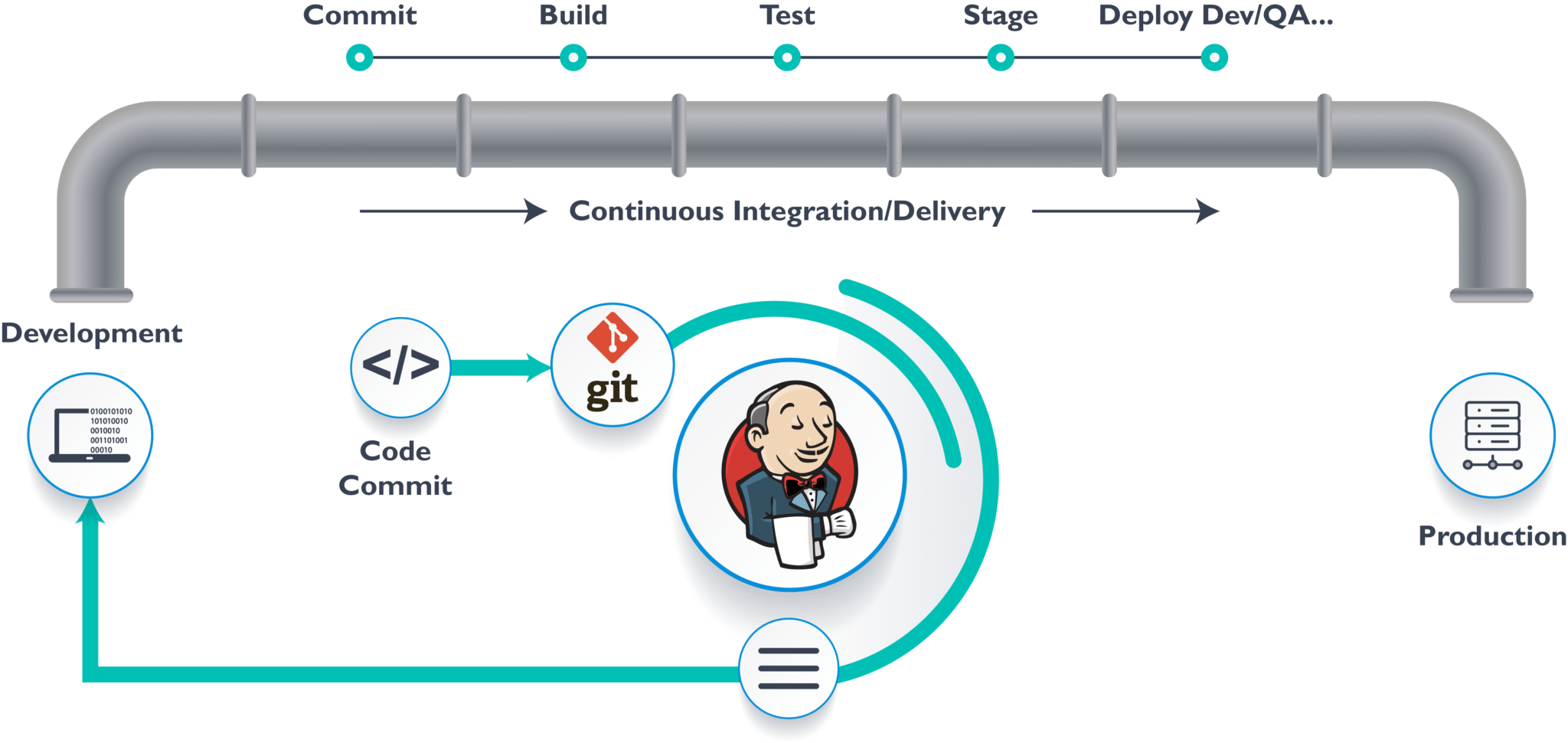
Are you ready to embark on a journey to explore Jenkins, one of the most popular automation tools in the world of software development? Jenkins is a powerful open-source automation server that can help you automate various tasks, from building, testing, and deploying software to simplifying repetitive administrative tasks. In this blog, we'll take our first steps into the world of Jenkins and explore how to create a simple freestyle pipeline. Let's dive in! 🚀
Introduction
Jenkins is an indispensable tool in the DevOps world. It enables developers and operations teams to automate their workflows, which leads to faster and more reliable software delivery. Whether you're a seasoned developer or just starting your journey in the world of DevOps, understanding Jenkins is crucial.
Task 1: What you understood in Jenkin, write a small article in your own words.
In your own words, Jenkins is like your personal automation assistant. It helps you streamline repetitive tasks, making the development and deployment process smoother. Jenkins allows you to automate the building, testing, and deployment of your applications, and it can be easily extended through plugins to fit your specific needs. By automating these tasks, Jenkins saves time, reduces errors, and ensures consistency in your development process. It's like having a tireless, always-on team member who executes your commands flawlessly.
Task 2: Create a freestyle pipeline to print "Hello World!!
Now, let's put our knowledge into action by creating a simple freestyle pipeline in Jenkins. Our goal is to print "Hello World!!" as a demonstration of the automation capabilities Jenkins offers. We'll break it down into simple steps:
Install Jenkins:
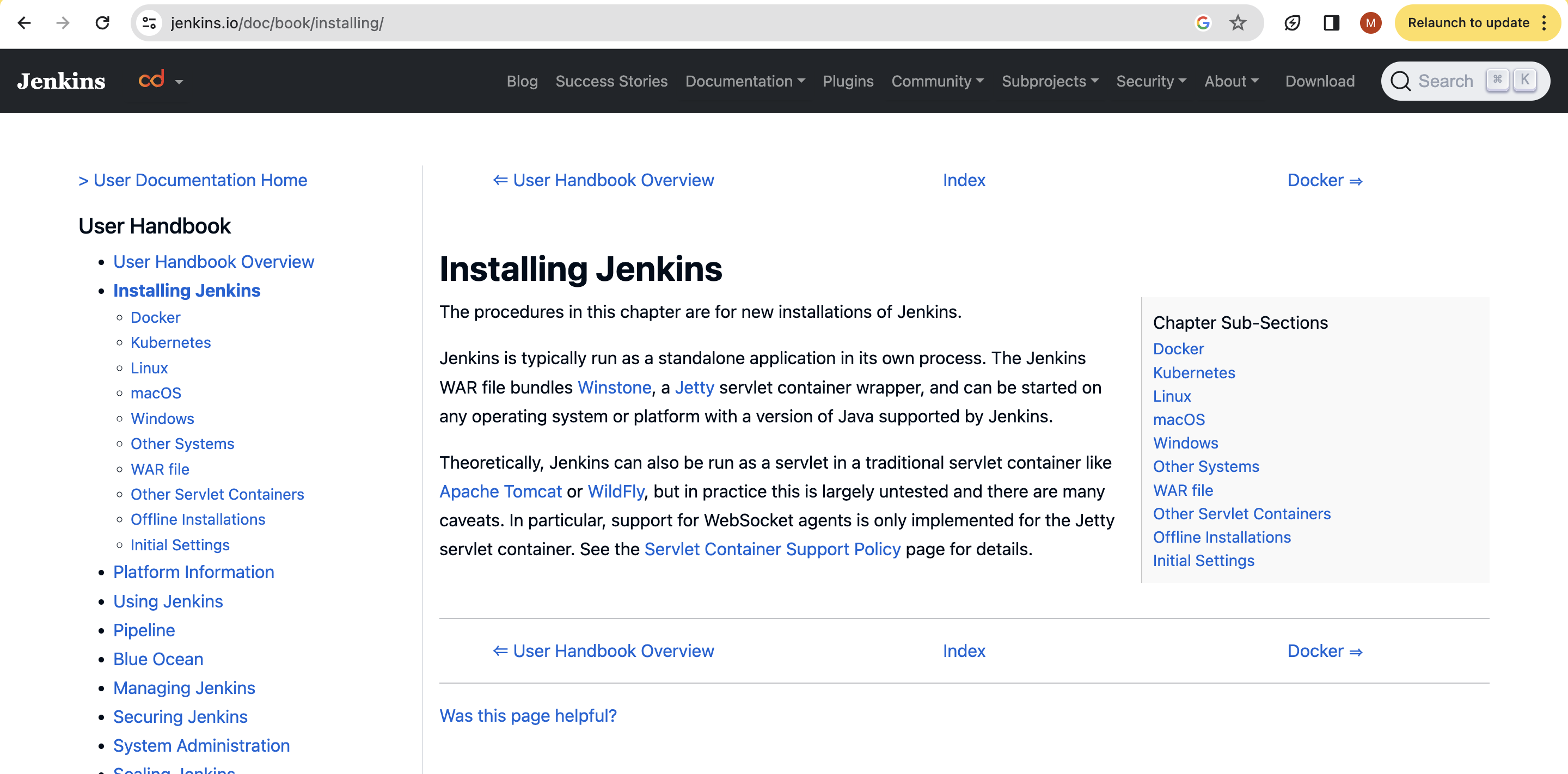
First, make sure you have Jenkins installed. You can follow the official installation guide to set up Jenkins on your system.
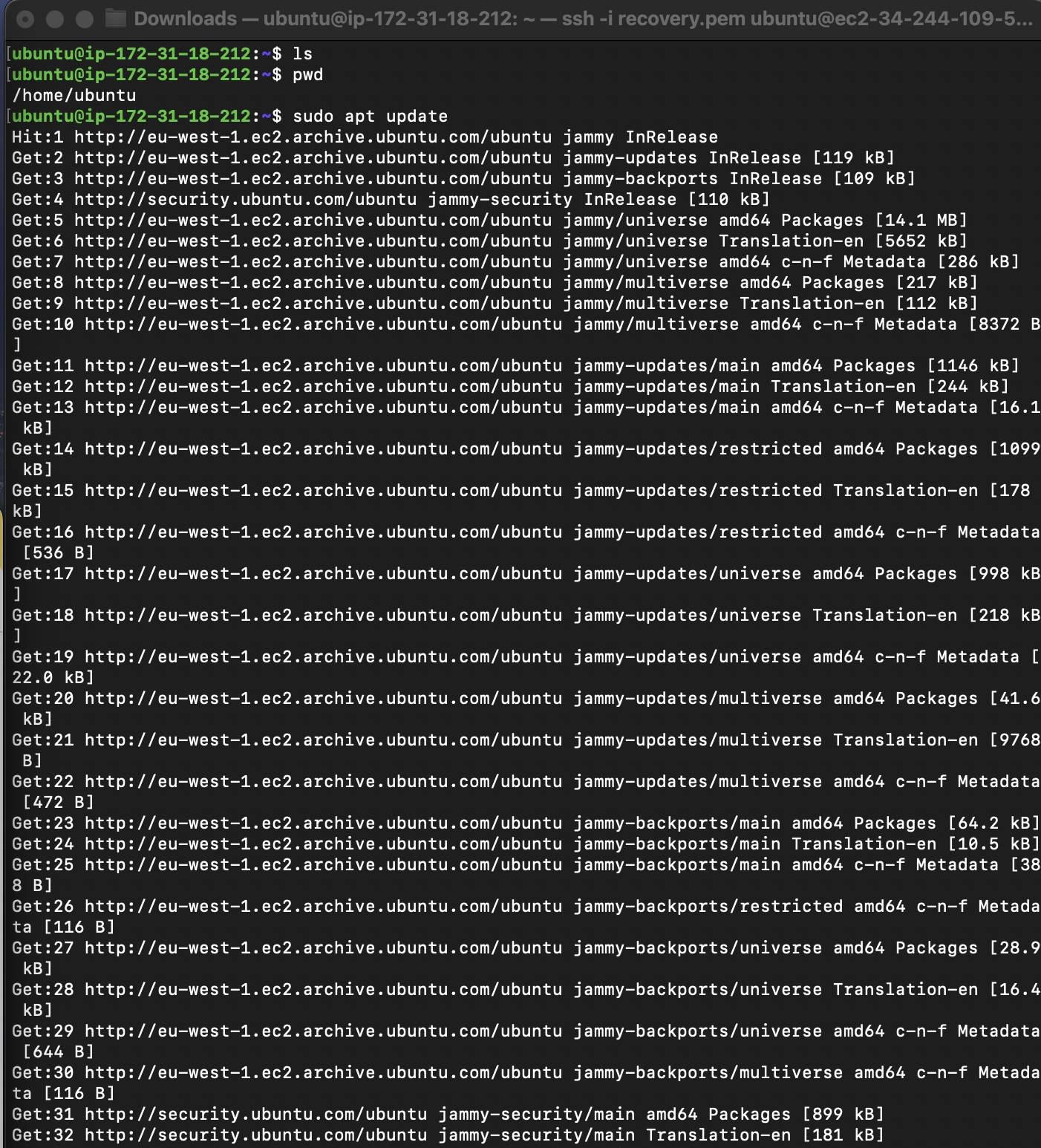
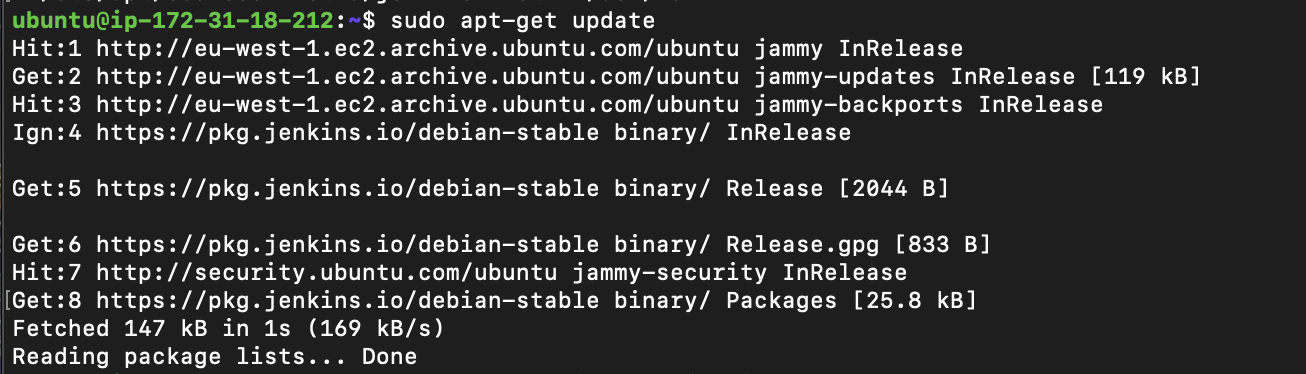
- Log into the EC2 instance. First, we will update the system.

install java
sudo apt install openjdk-11-jre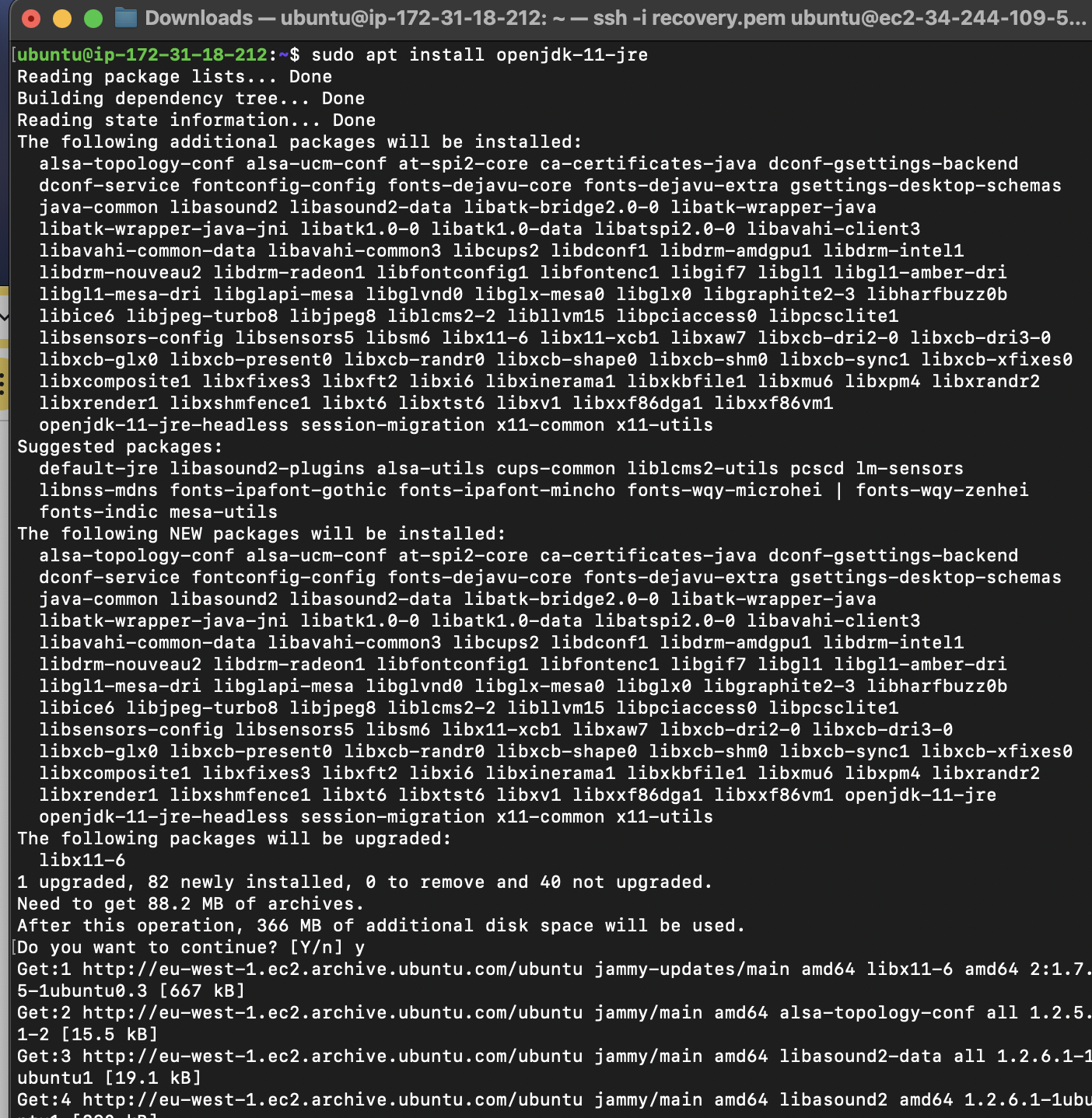
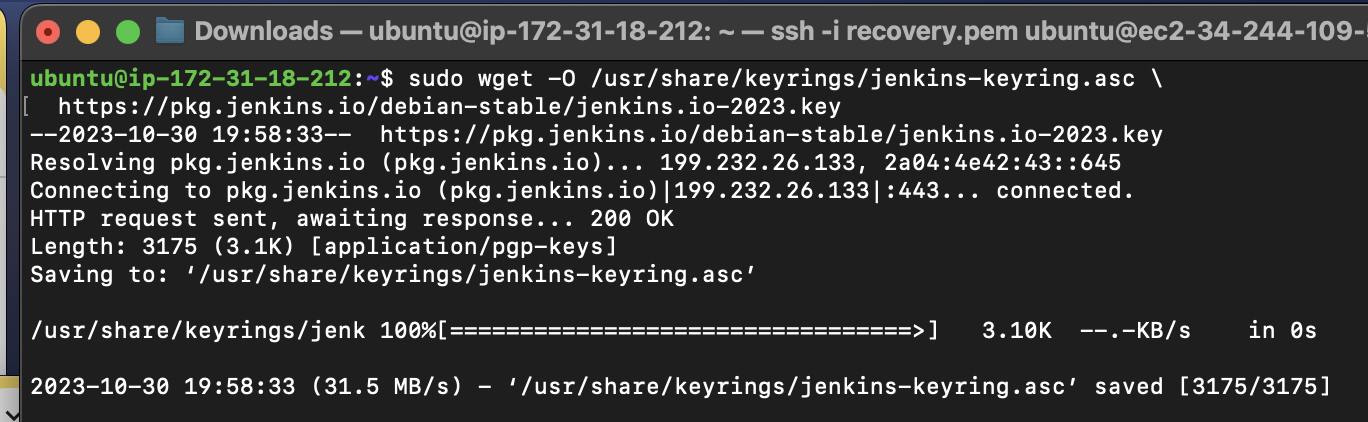
- now, Copy the curl command to install Jenkins

- update the system
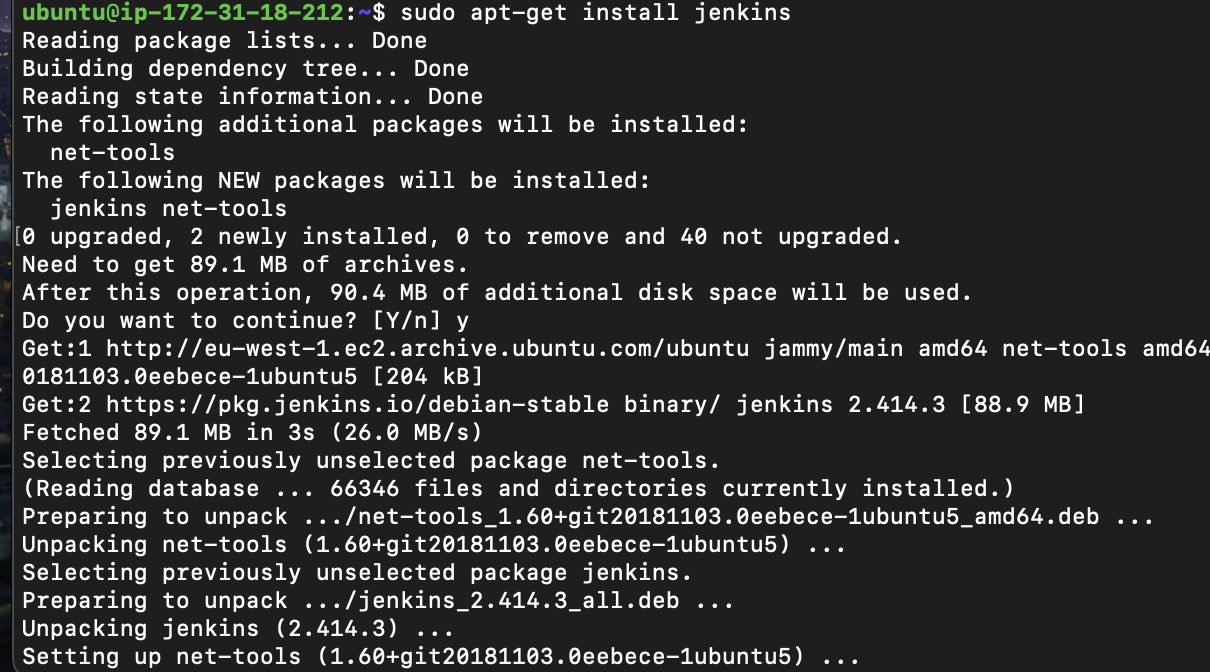
- install jenkins
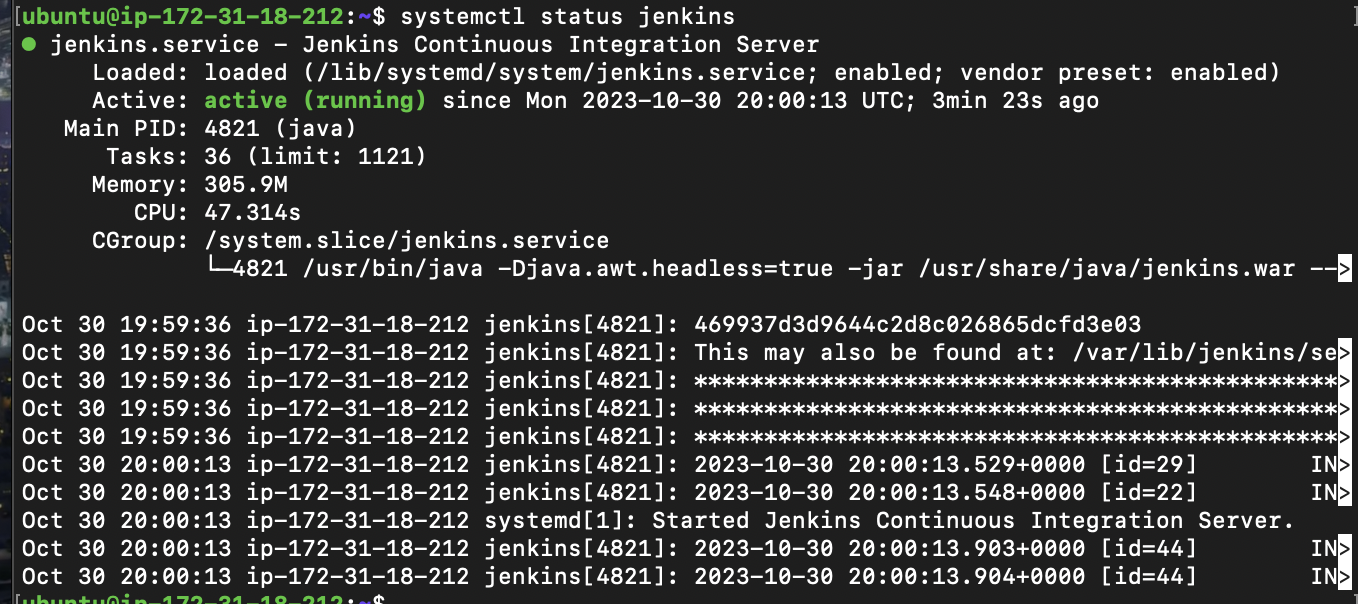
- now, check jenkins status
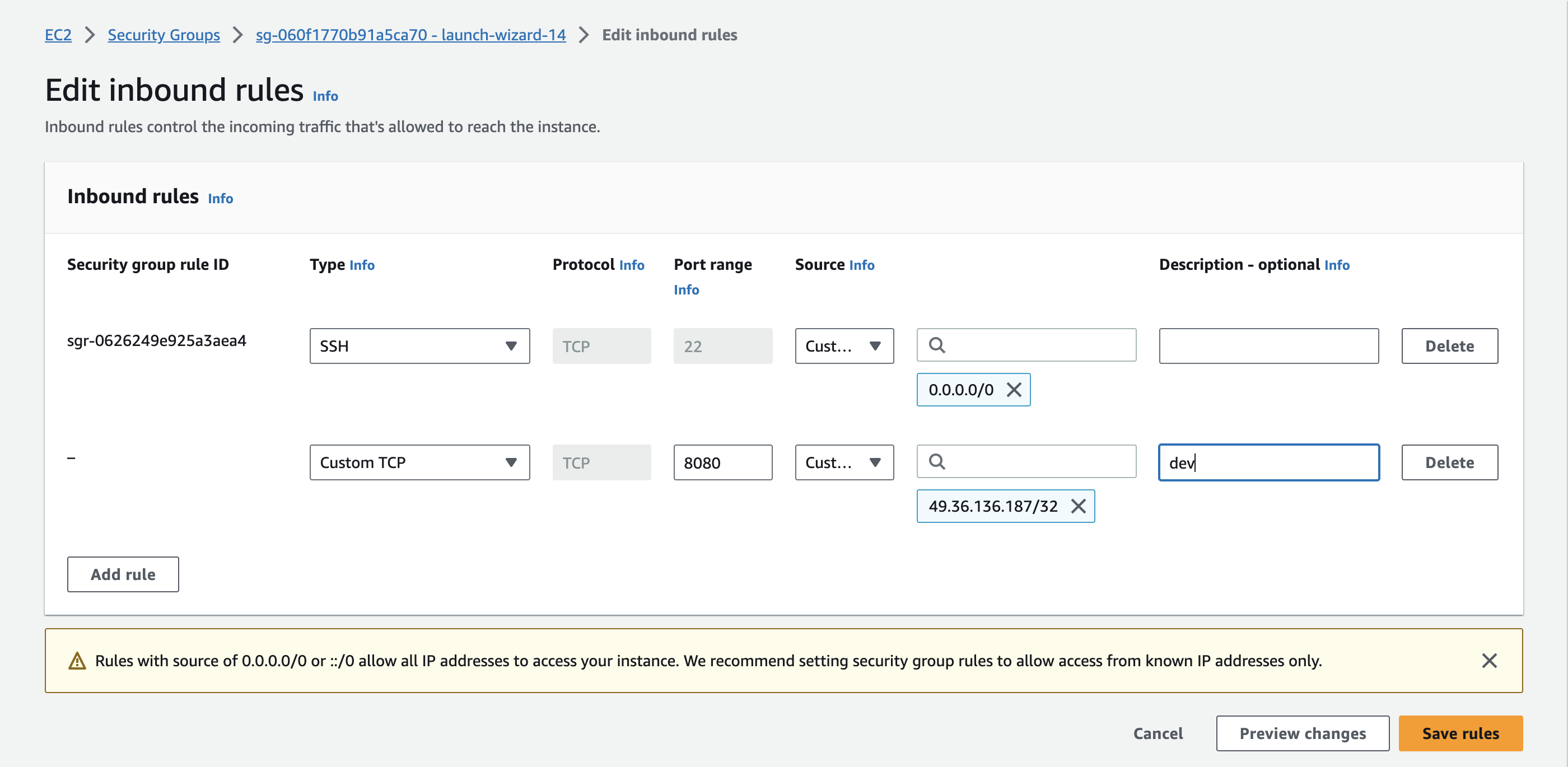
- Let's start Jenkins , before that open port 8080 on AWS in security groups as Jenkins listen to port 8080
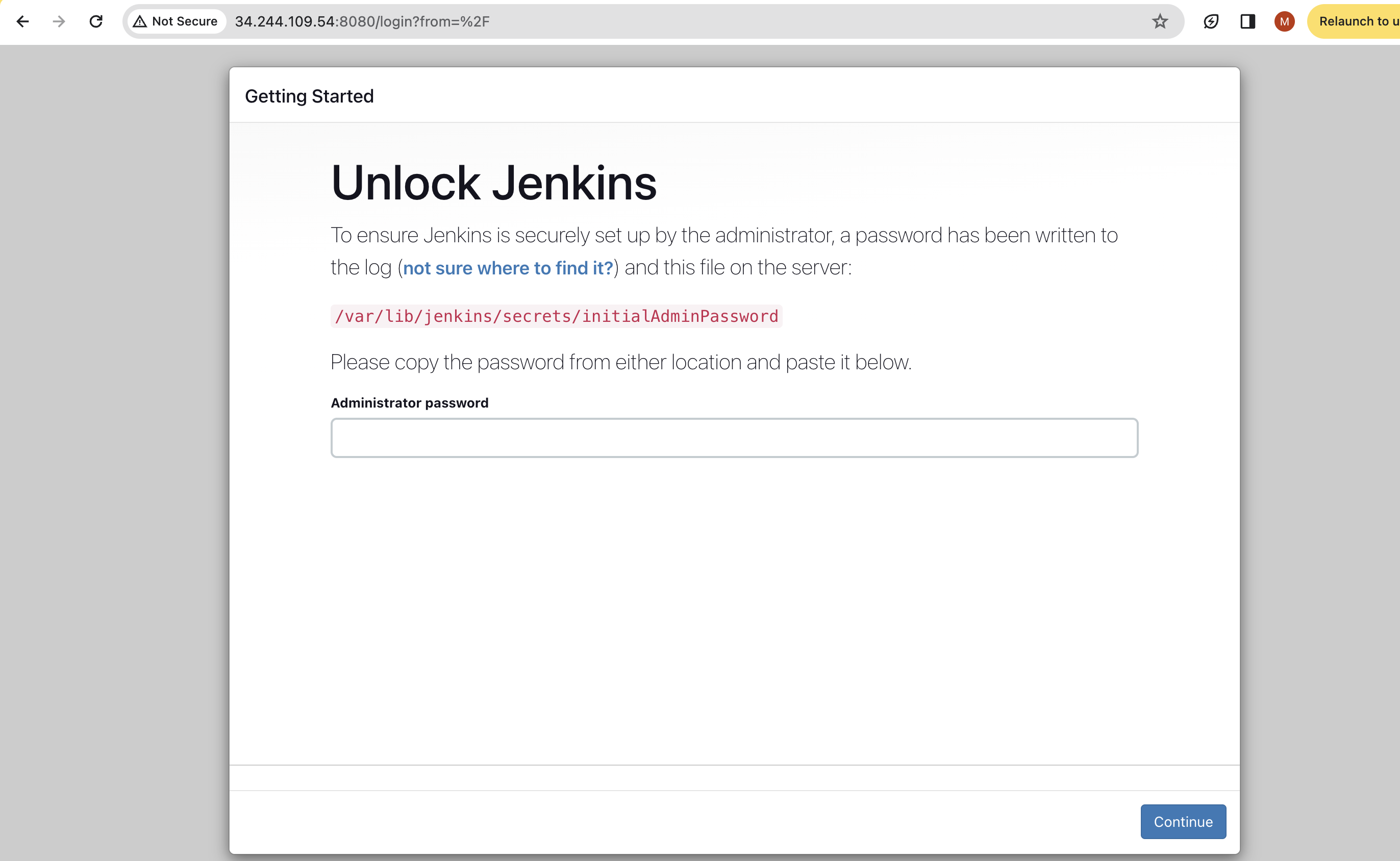
- After this copy ,paste the public address URL you will see Jenkins home screen as
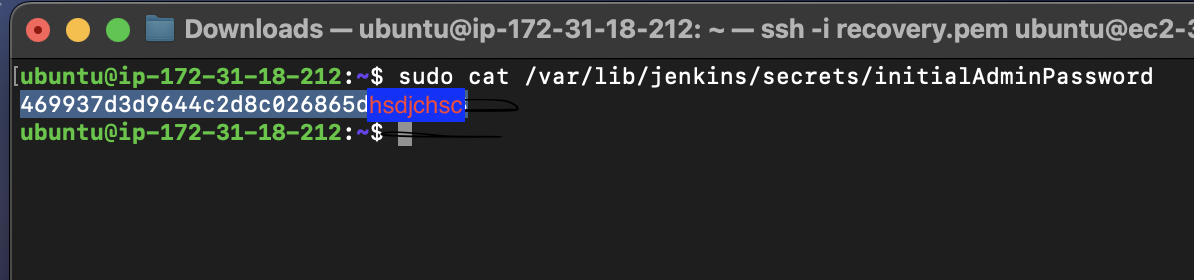
- Now to login into Jenkins we need admin password to get that copy ,paste the path and execute in you server as
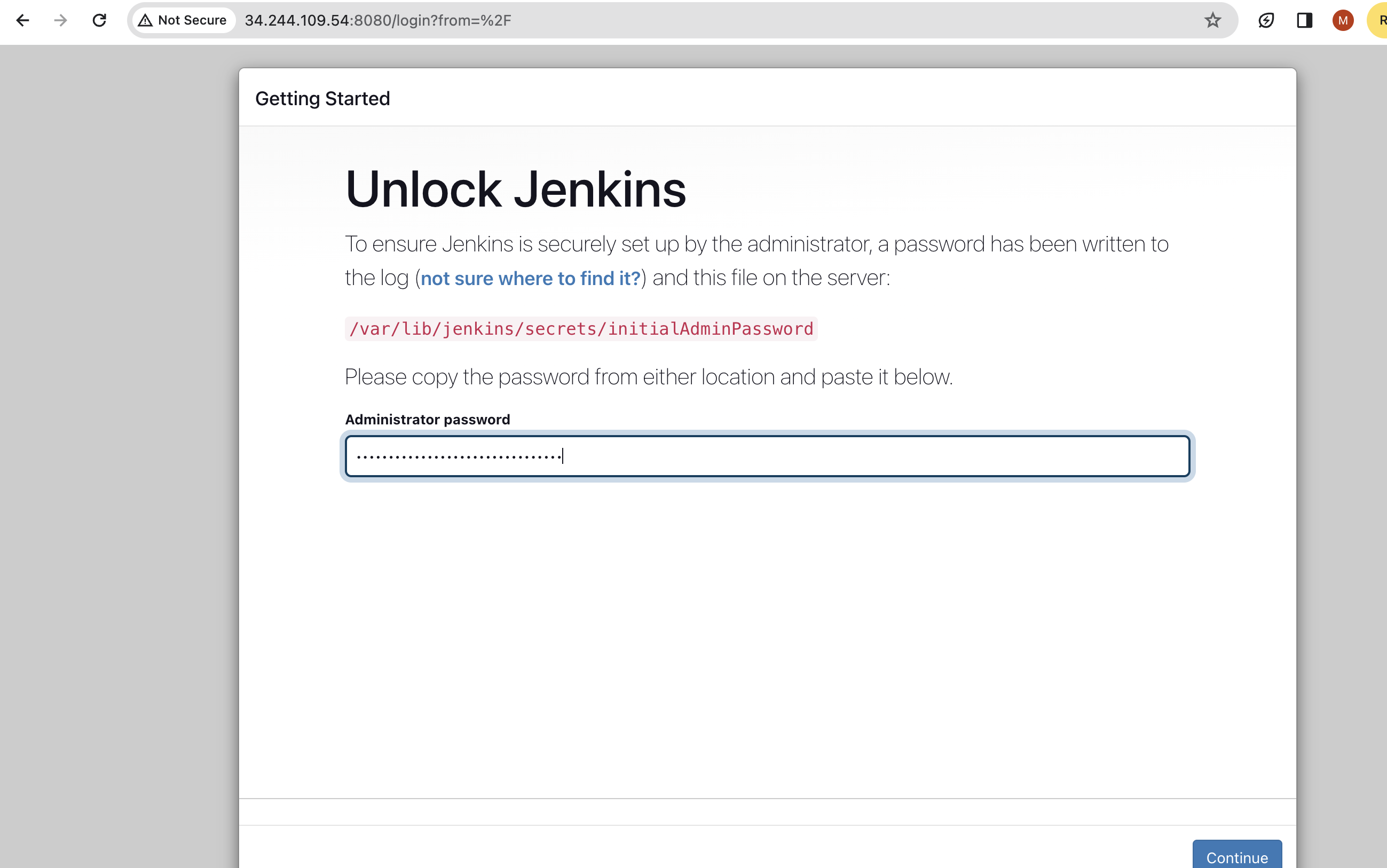
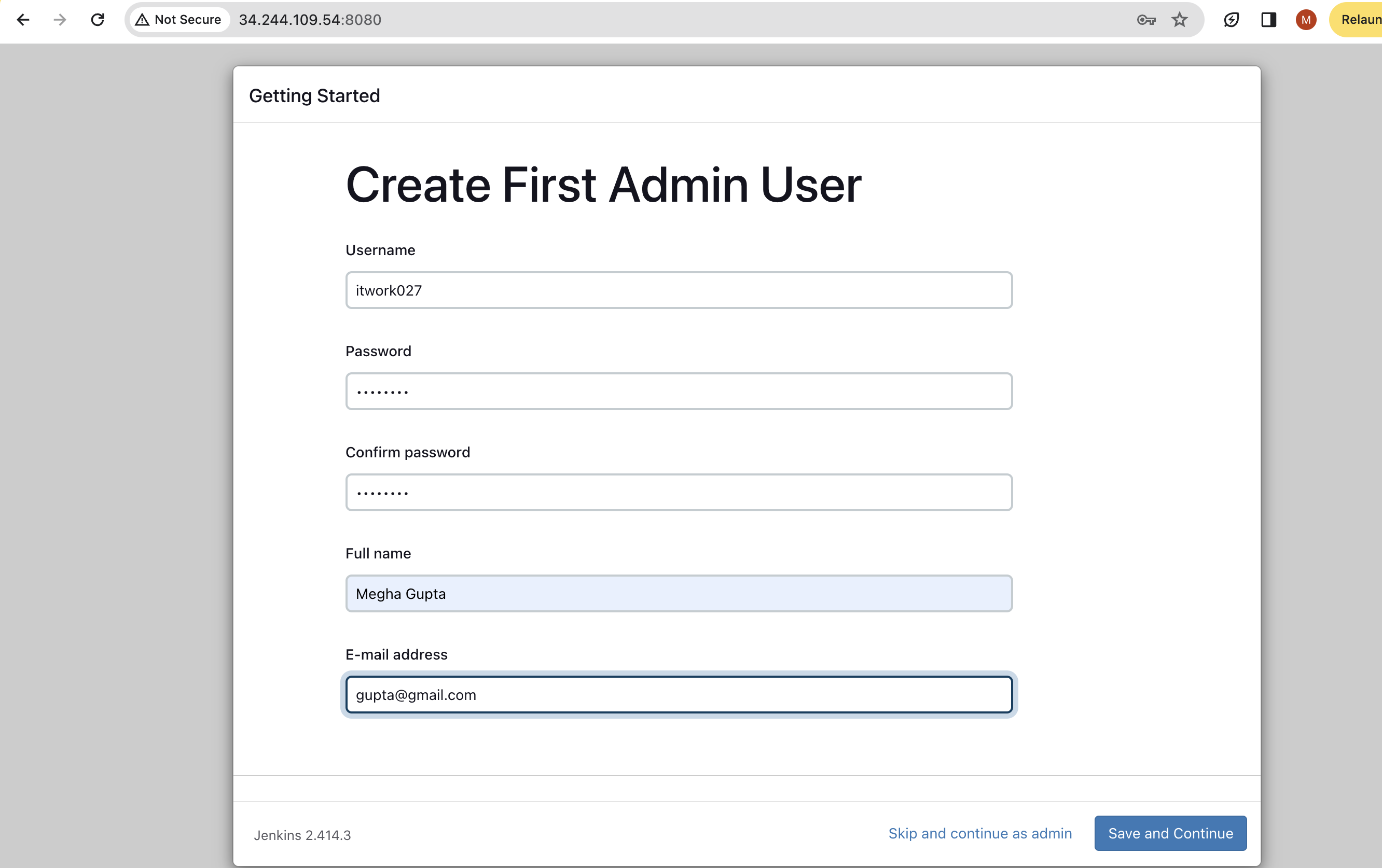
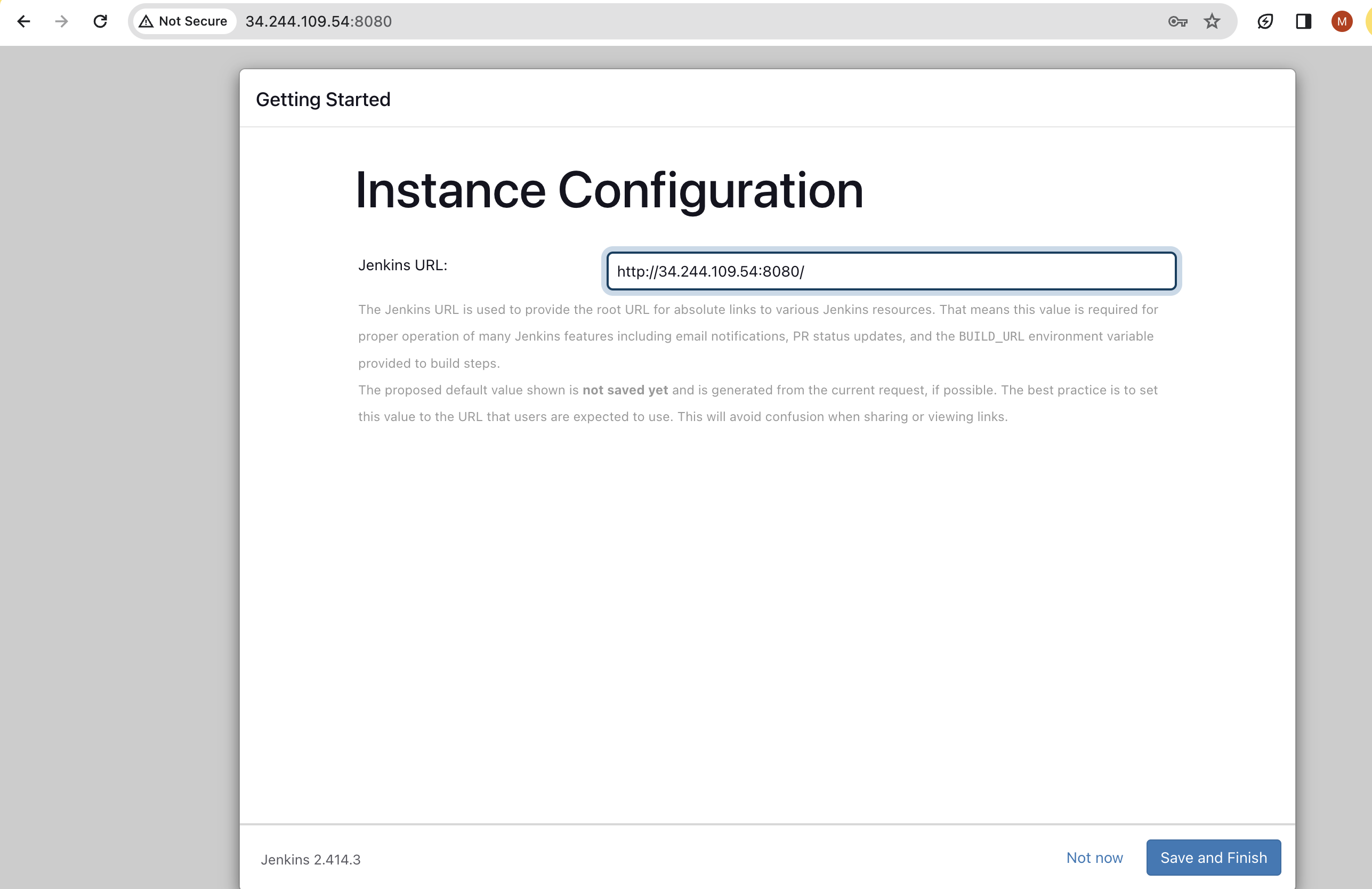
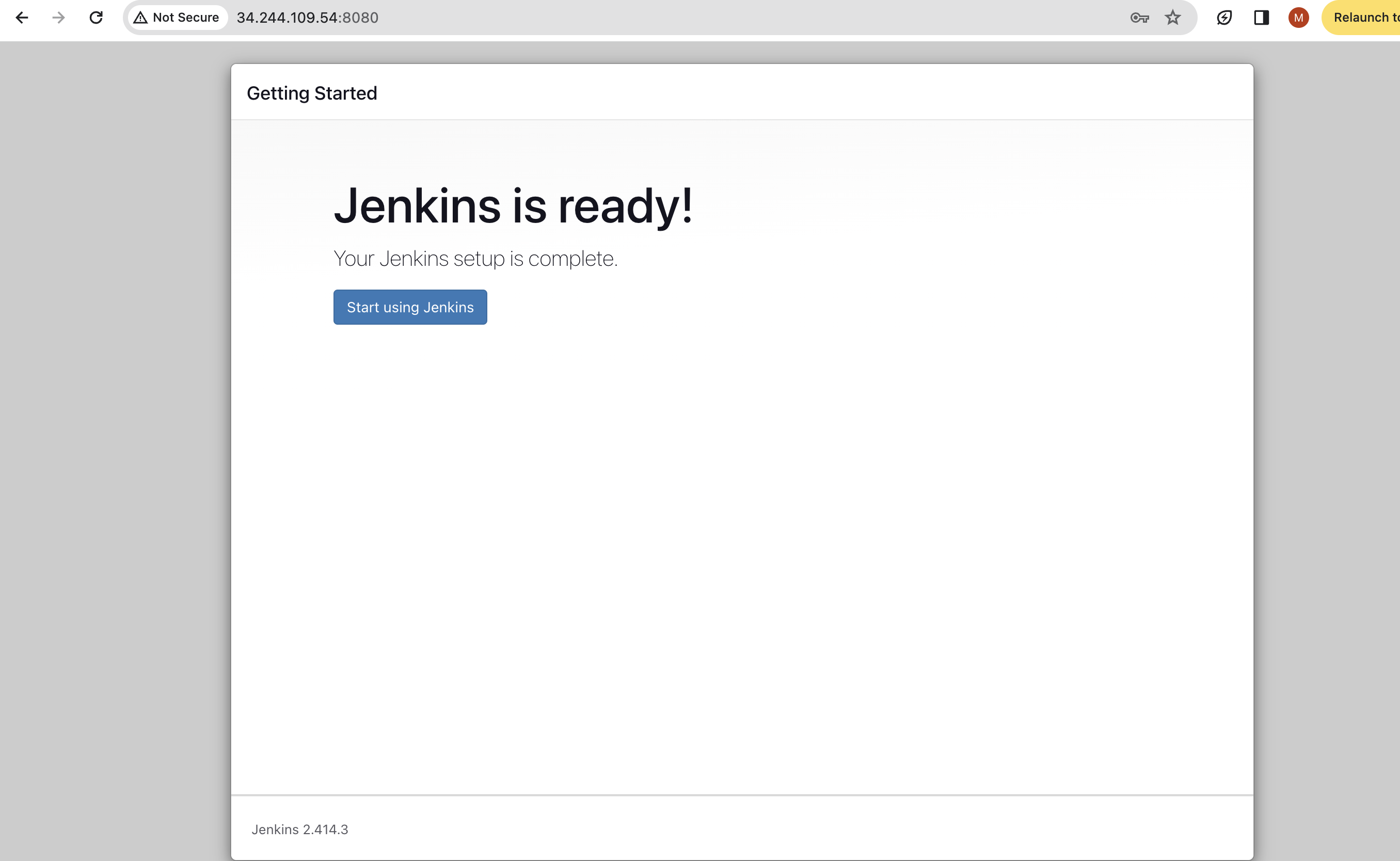
Jenkins setup is done.
Create a New Jenkins Job:
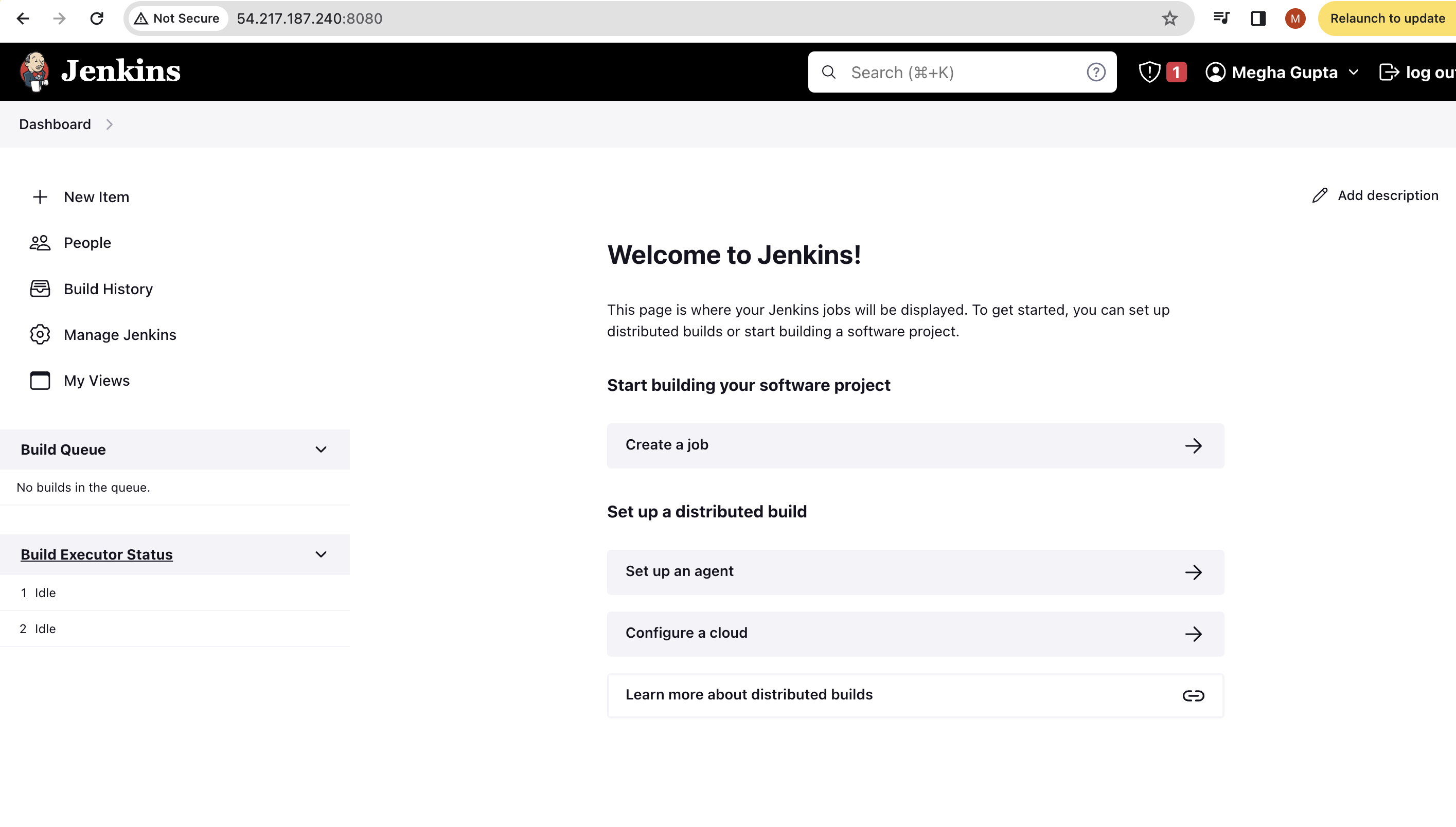
Log in to your Jenkins server.
Click on "New Item" to create a new job.
Name your job (e.g., "Hello World Pipeline").
Select the "Freestyle project" option.
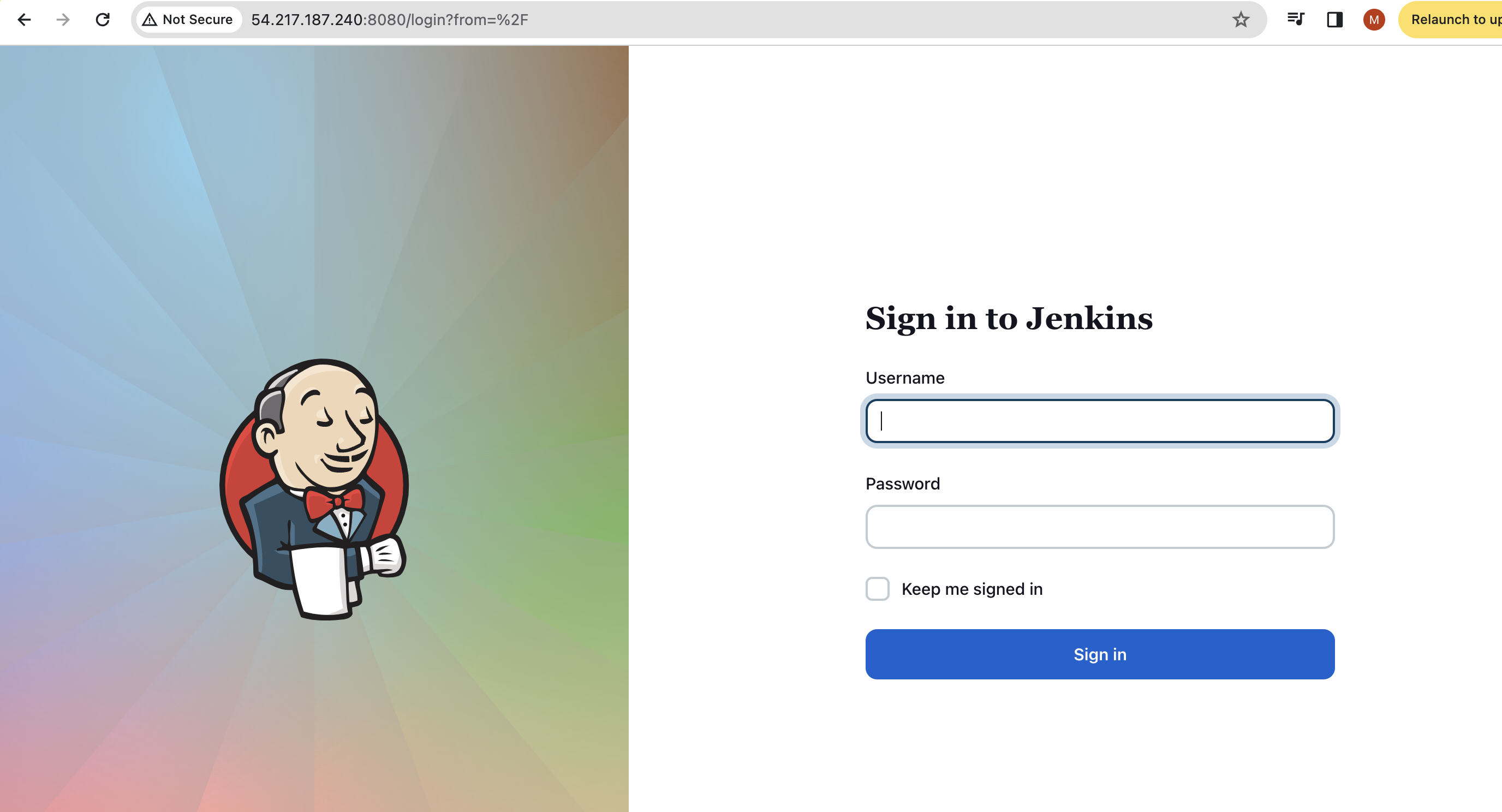
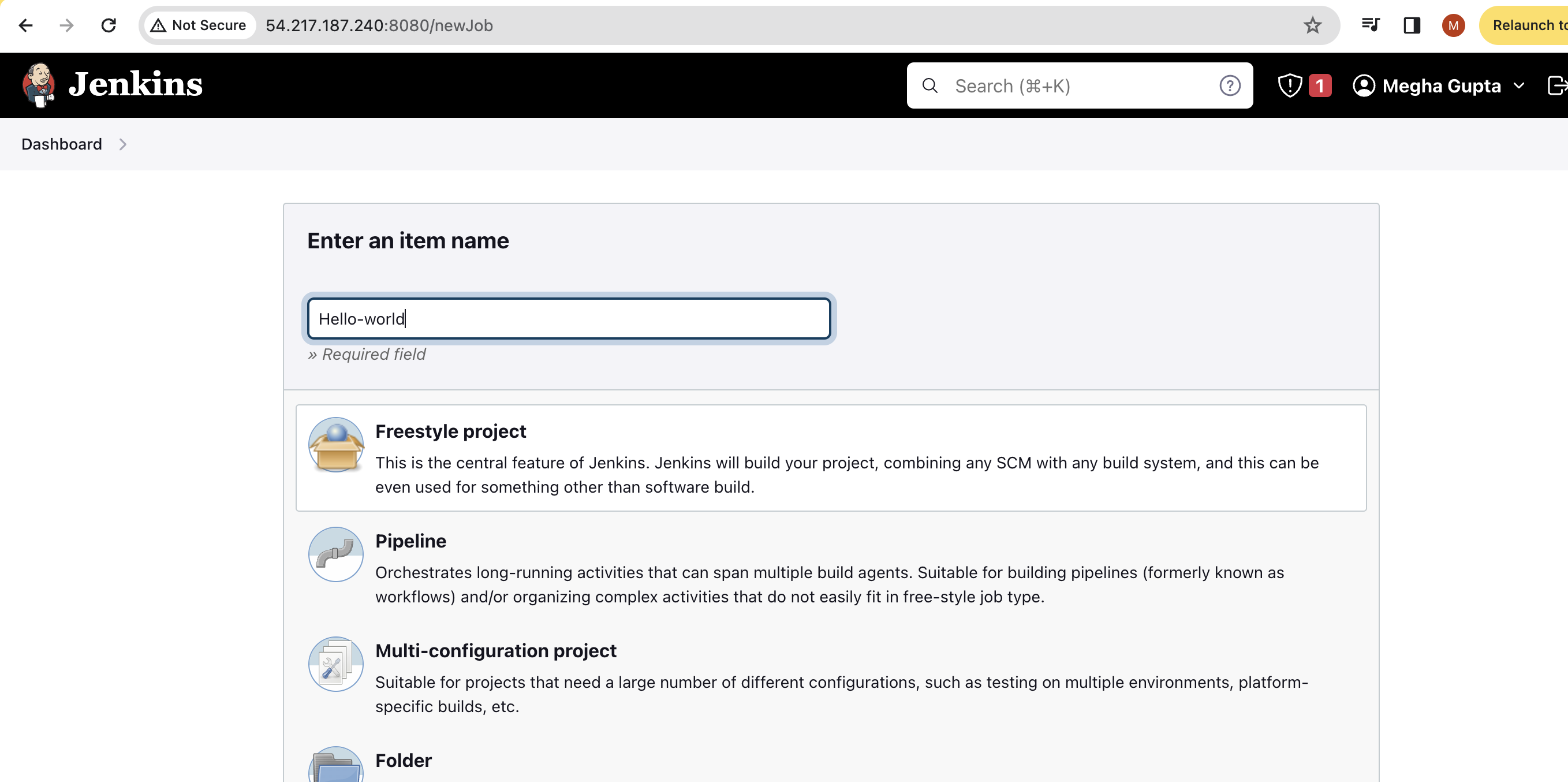
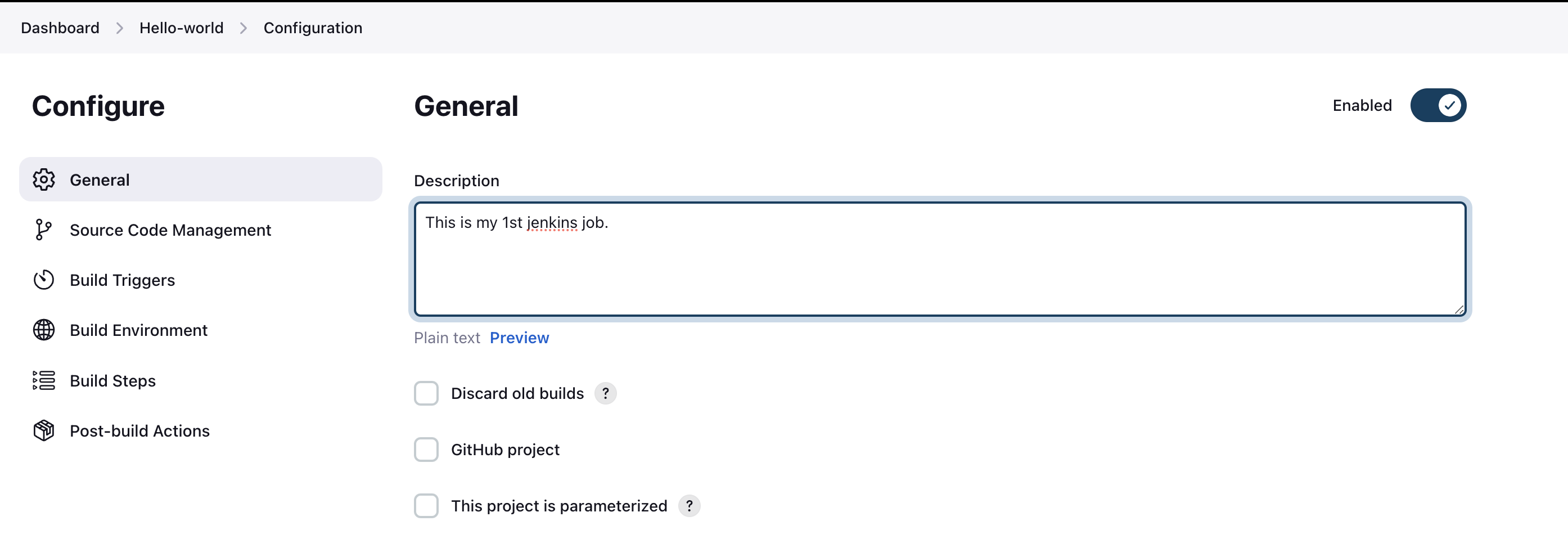
now we will add a description to our Freestyle Project.
since we don't have any integration to this project, keep it blank.
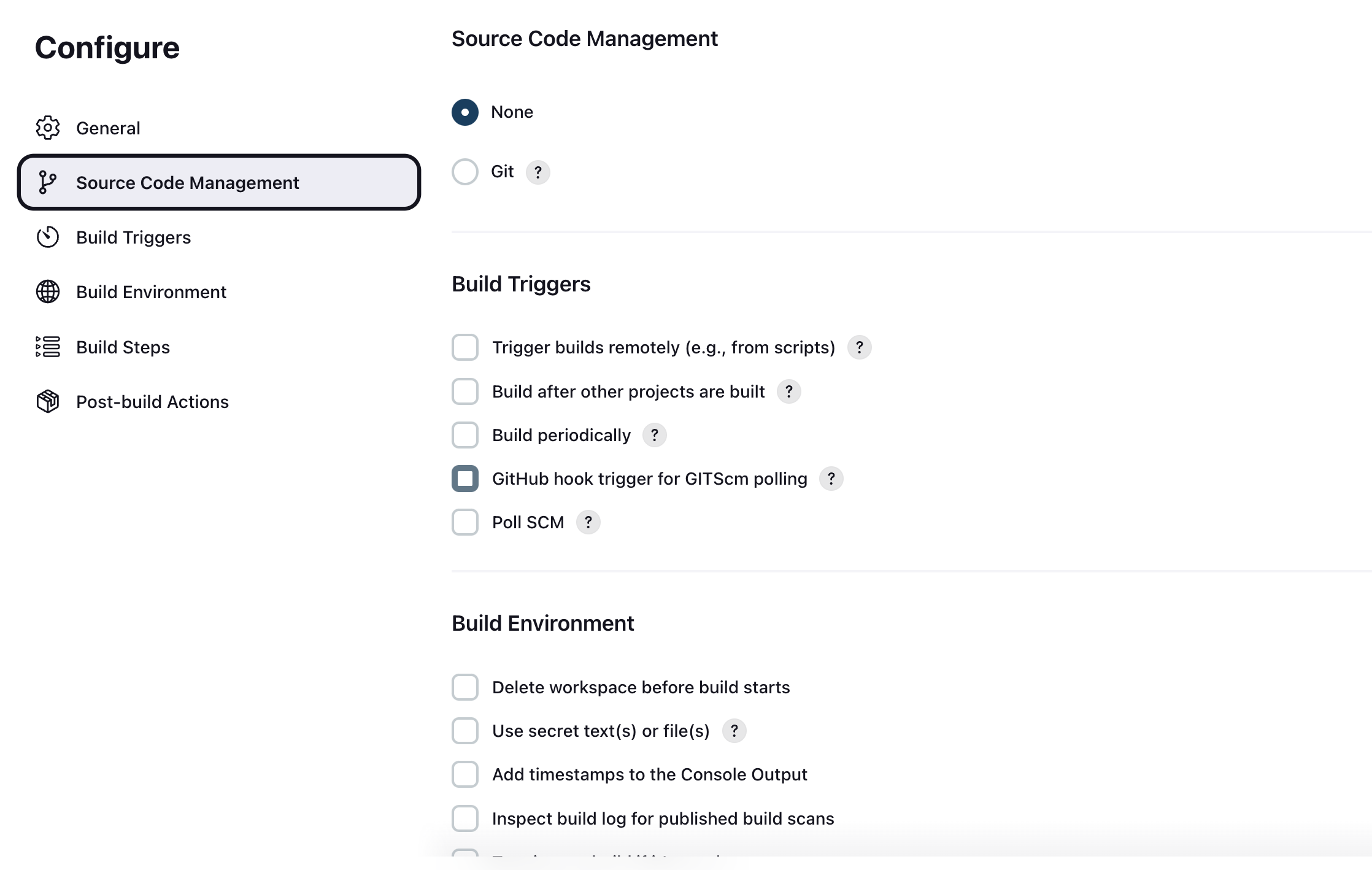
Configure Your Job:
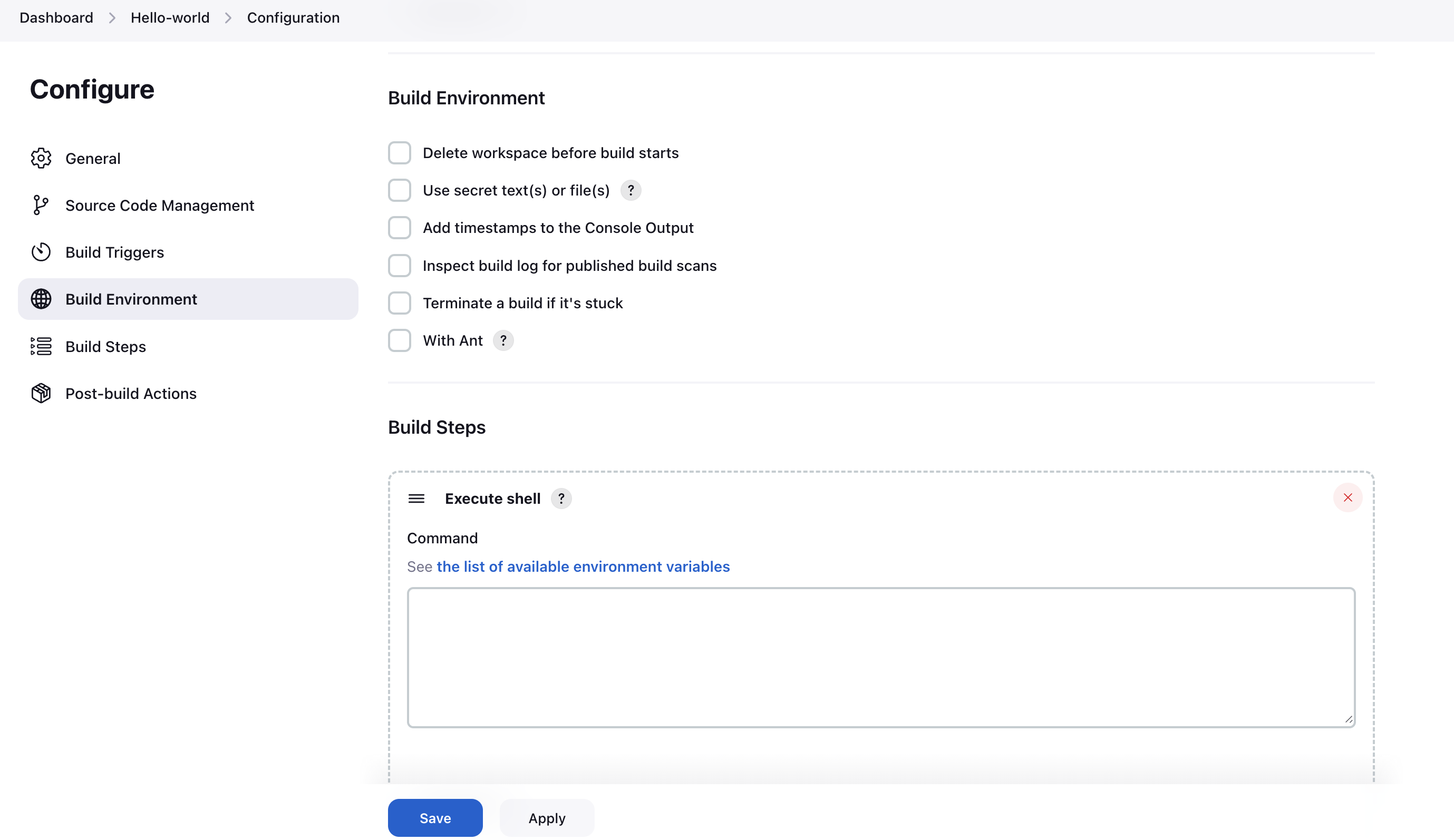
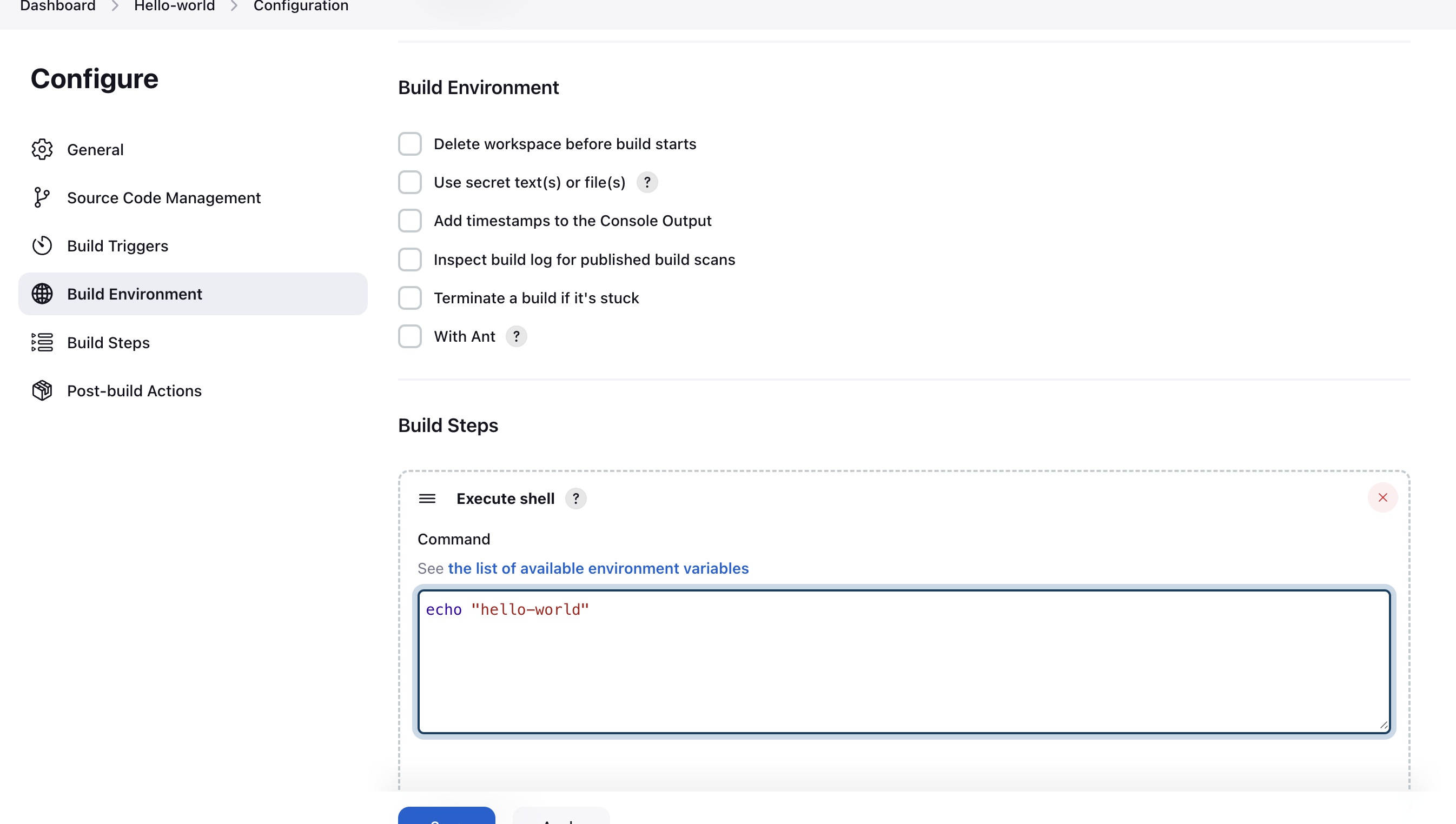
In the "Build" section, click "Add build step" and choose "Execute shell."
In the command box, type
echo "Hello World!!".In the build section, we have an option ‘Execute Shell’ by which we can write some commands or code
Save and Build:
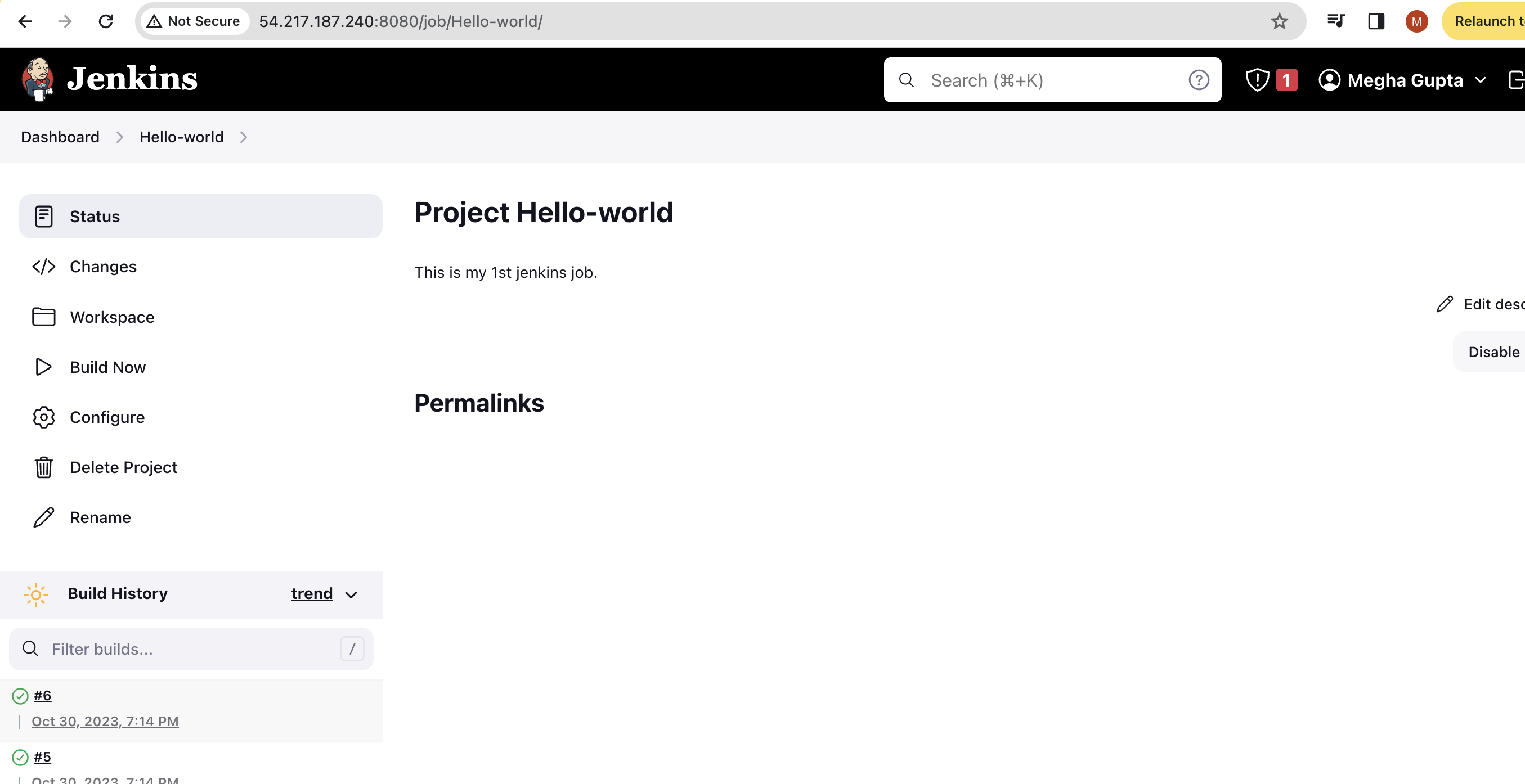
Click "Save" to save your job configuration.
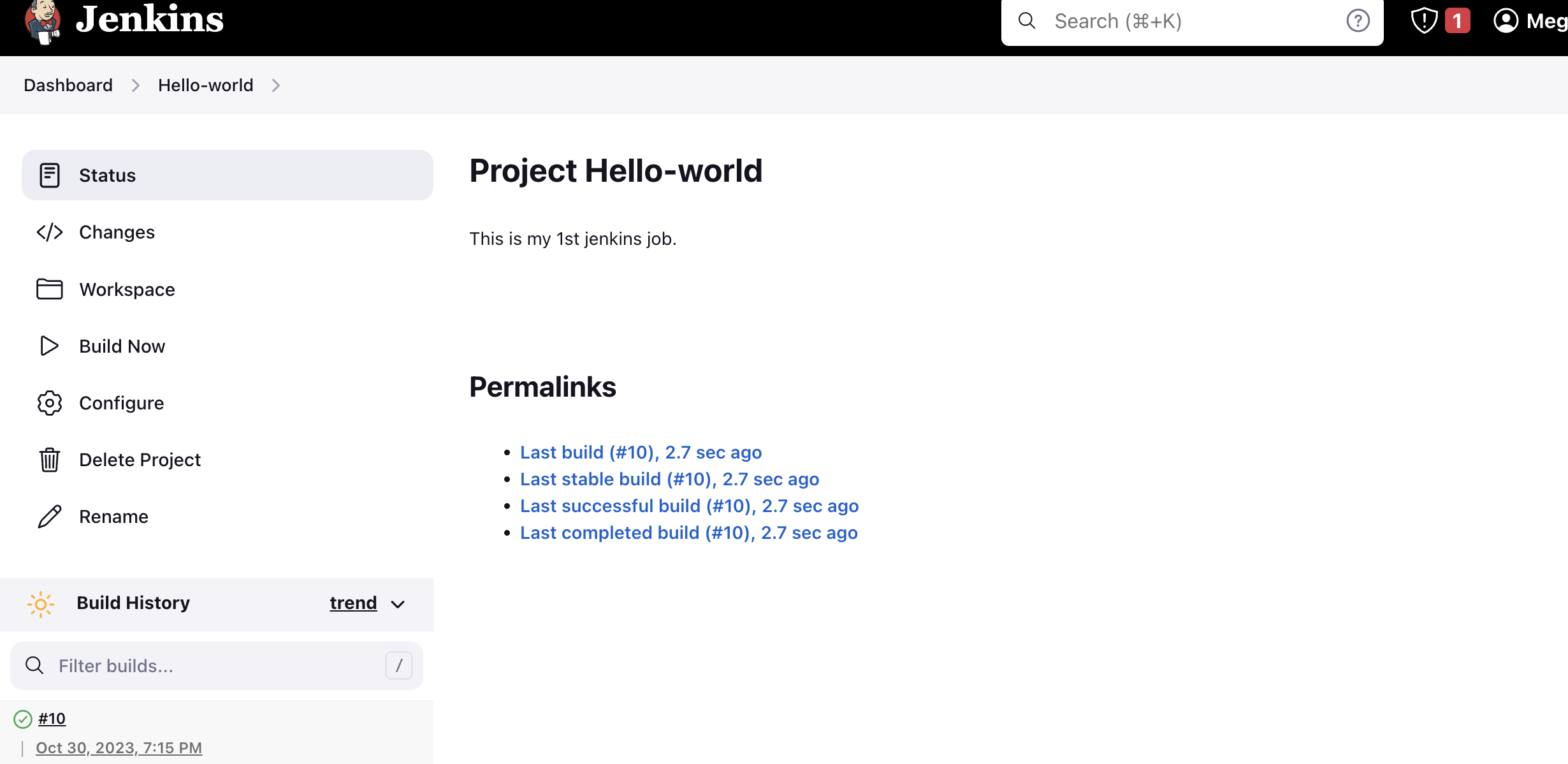
Click "Build Now" to trigger your pipeline.
Now it's time to build our project using CI/CD on Jenkins.
View the Output:
Once the build is complete, you can check the console output to see "Hello World!!" printed.
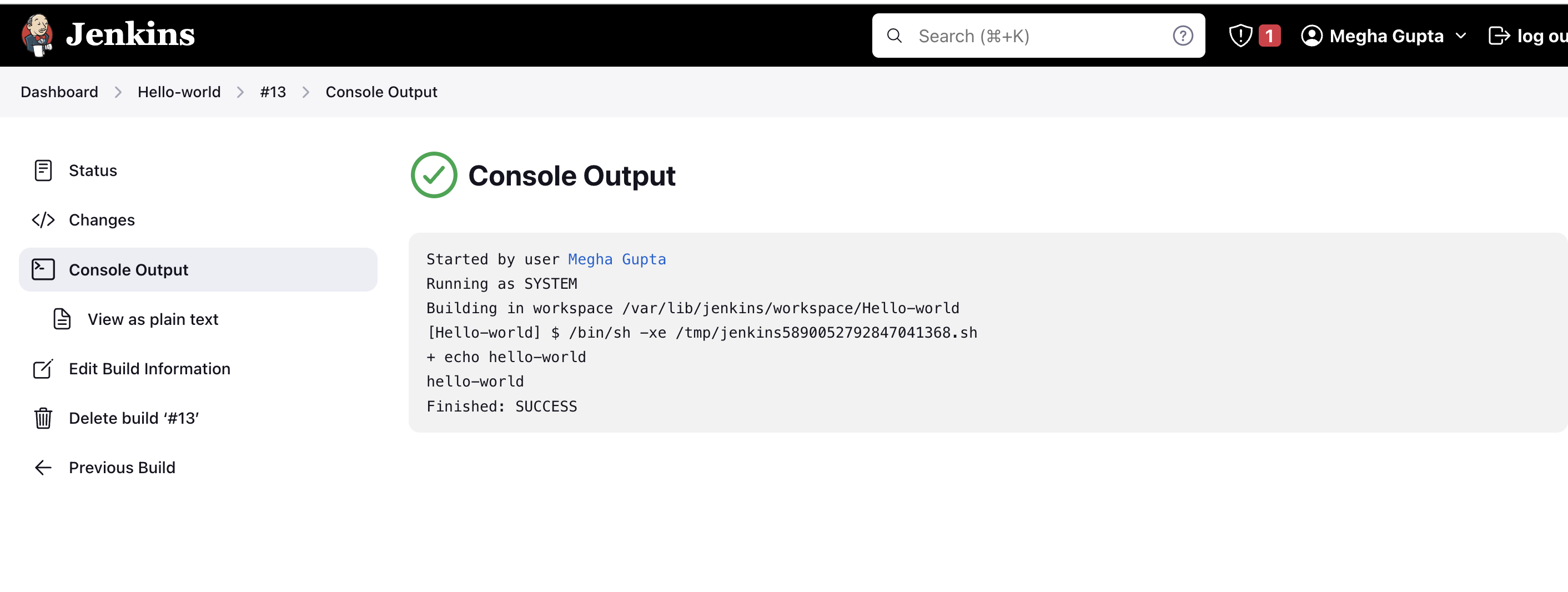
That's it! You've just created your first Jenkins freestyle pipeline. 🎉
Conclusion
In this blog, we've introduced you to the world of Jenkins and created a simple freestyle pipeline to print "Hello World!!". Jenkins is a versatile tool that can automate much more complex and essential tasks in the software development lifecycle. As you continue your Jenkins journey, you'll discover the power it holds in automating and streamlining your development and deployment processes. Stay tuned for more Jenkins adventures, and remember that with Jenkins, you're just a few clicks away from making your development tasks more efficient and reliable. Happy automating! 😊👩💻👨💻🌐


